Software guide
Gun store POS buying guide: what to test before you sign
A counter-first checklist for testing sales, lanes, customer records, hardware, and daily close before choosing a POS.
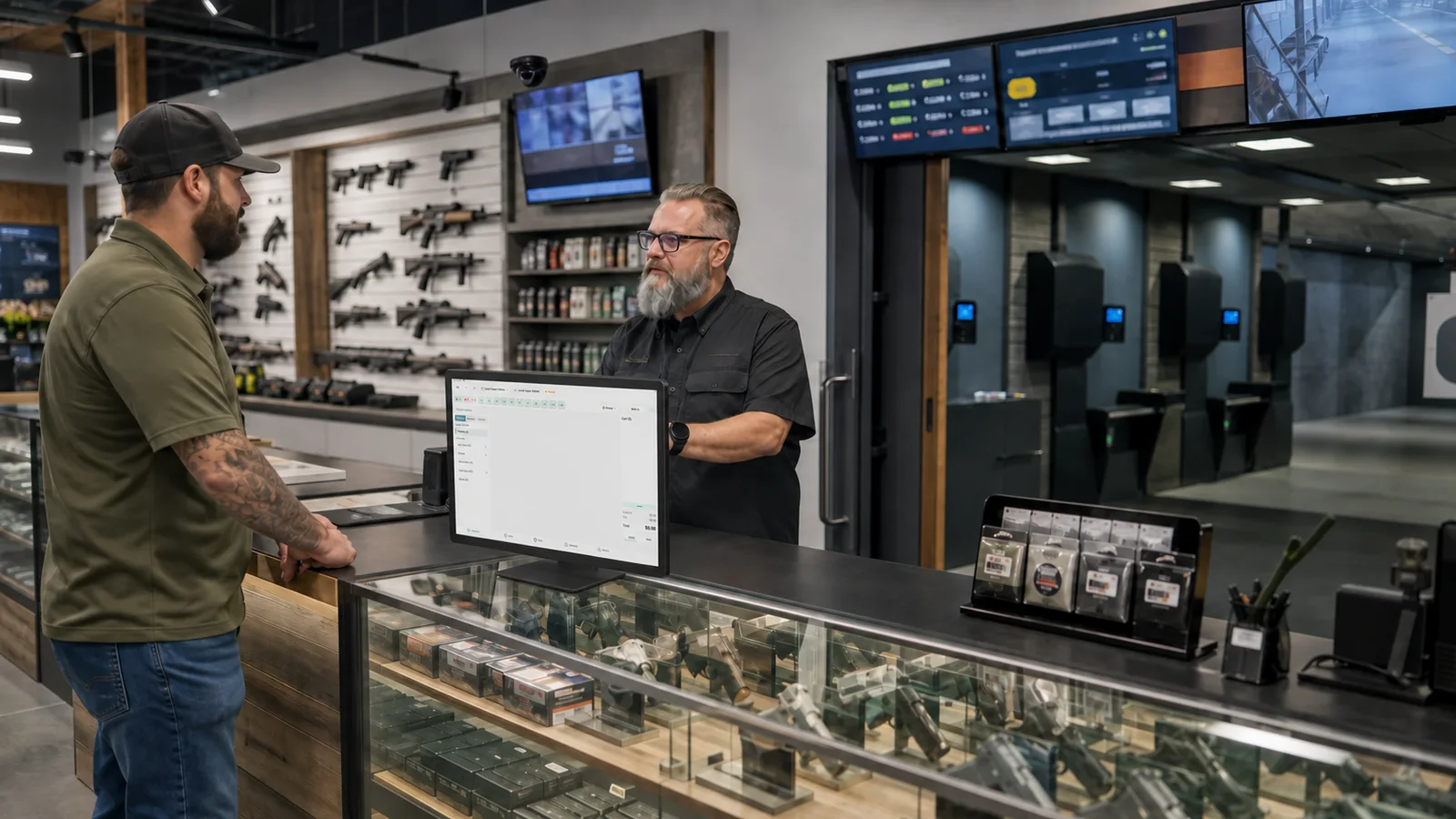
A gun store POS demo can look excellent while the presenter controls every click. The real test begins when a line forms, a lane customer needs a rental, a serialized item arrives, and the printer decides to be difficult.
Before you compare feature lists, write down the work your counter handles on an ordinary Saturday. Use that list to run the demo. A useful gun store POS should make common work faster and unusual work easier to understand.
This guide focuses on the questions that reveal how a system behaves after the sales call.
Begin with your busiest hour
Describe the hour in detail. How many employees are signed in? Are they moving between retail and range check-in? Which items are scanned? How are rentals attached to a customer? Who can approve a return? What happens when a lane session ends while another sale is open?
Ask the vendor to show that sequence without skipping steps. If the range and retail counter share staff, do not accept two separate demonstrations that never touch. The handoff is the point.
In Solidus, staff can see lane activity, find or create the customer, attach range time and rentals, and carry the session into the sale. See the Solidus POS workflow.
Test customer lookup under pressure
Customer search should tolerate the information people actually provide. A phone number may be easier than a name. A driver's license scan may be appropriate for the workflow. Duplicate records should be visible and recoverable.
Ask what the employee sees after finding the customer. The useful context is narrow: membership status, applicable forms, current booking, and relevant history. A crowded profile can slow the line as much as no profile at all.
Then test a walk-in. Create the person once. Complete the visit. Search again. Confirm that the record connects rather than creating another version of the customer.
Run a lane visit from check-in to cart
Range activity is where generic retail POS systems often show their limits. Ask to see the lane board, waiting list, session timing, rental assignment, and the final charge.
Use a realistic case. Two guests arrive for one lane. One is a member. They rent a firearm, add eye protection, and buy ammunition. Their session ends while the register has another cart open.
Watch for manual re-entry. If staff must remember the lane number, duration, rental, and member benefit, the system has shifted the risk to the employee. A clean range workflow should preserve that context.
Also ask what happens when a session runs long, changes lanes, or is ended by a different employee. The edge cases tell you more than the happy path.
Inspect permissions, returns, and overrides
Fast software still needs sensible control. Ask the vendor to sign in as a regular employee, not an administrator. Test a discount, return, void, tax-exempt sale, cash drawer action, and price override.
You should be able to answer who did what and when. Managers need a clear approval path. Employees should not share one powerful login because individual access is inconvenient.
Test the lock screen and staff handoff. The register may be used by several people in an hour. Changing operators should be quick enough that employees will actually do it.
Put the hardware on the table
“Works with hardware” is too broad. Name the device, model, connection, and operating system. Ask to see the card terminal, receipt printer, cash drawer, barcode scanner, label printer, and any signing device involved in your process.
Solidus POS runs on Windows and Android. Its documented hardware profile includes Payroc terminals, Epson receipt printing with drawer kick, Bluetooth HID scanning, signing tablets, and Zebra label printing from the dashboard. Your demo should review the hardware you own and the setup you plan to use.
Ask who supports each piece. If the printer stops on Saturday, do you call the software vendor, payment processor, local IT company, or hardware manufacturer? Put the answer in writing.
Ask exactly what happens offline
Offline claims deserve careful language. A system may keep catalog and customer data available, record sales for later sync, or allow some payments. Those are different behaviors.
Solidus has an offline-resilient Android POS with a local catalog and CRM cache and an encrypted sale outbox. Offline card activity uses ledger store-and-forward. Regulated items and memberships cannot be sold offline. That boundary should be understood before rollout.
During a demo, disconnect the network if the vendor can do so safely. Try the transactions that matter. Reconnect and inspect the result. Ask how conflicts, duplicate submissions, and unsynced records are surfaced.
Follow a firearm from receiving to disposition
A POS screen is only one part of a firearms transaction. Ask how a serialized item moves from purchase order and receiving into inventory, a sale, required records, and reporting.
Do not accept a slide that says “integrated.” Ask the presenter to receive an item, verify its serial information, find it at the register, begin the relevant customer workflow, and show the resulting record. If a separate bound book is required, ask what is copied by hand and what happens when the systems disagree.
Review Solidus inventory workflows and electronic bound book features before the demo.
Look past the transaction
The receipt should not be the end of the customer record. Range owners may want the visit to support membership conversations, class invitations, waiver renewal, and review requests.
Ask how the POS connects to marketing audiences. Can a completed visit become a trigger? Can you distinguish members from nonmembers? Can you exclude someone who already registered for the class? Can an employee see the context without opening a separate marketing tool?
This is where a range-specific system can create more value than a generic register. The sale, booking, waiver, and customer relationship can inform each other.
Check close, reconciliation, and reporting
Ask an employee who closes the store to help evaluate the system. Run a shift close, payment reconciliation, drawer count, refund review, and daily report. Check how the numbers line up with the payment processor.
Dashboards should lead to a question you can answer. Revenue by channel, average ticket, lane activity, member count, training bookings, and new waivers can be useful. A large collection of charts is not automatically useful.
Define which report is the financial source of truth. Ask how corrections appear after close and how data can be exported for accounting or analysis.
Review migration and training
A good product can still fail through a rushed rollout. Inventory, customer records, memberships, open orders, gift cards, and serialized data may need different migration plans.
Ask for the cutover sequence. Who cleans the source data? Who validates counts? Will both systems run during transition? What does the team do with transactions started before the switch?
Training should use roles and real work. A cashier needs a different session from the person receiving serialized inventory. Managers need approvals and reporting. Owners need configuration, exceptions, and recovery.
Use a scorecard that reflects your range
Score each vendor on the workflows you tested. Give more weight to frequent and risky tasks. A beautiful feature you use twice a year should not outweigh a lane handoff that happens fifty times on Saturday.
Include implementation, hardware, support, data ownership, security, and contract terms. Record open questions. Ask for written confirmation when a capability affects compliance or a promised integration.
The best demo will feel slightly inconvenient for the vendor because it follows your operation instead of their script. That is healthy. You are learning where the system fits and where it does not.
Solidus was built around a working range and firearms retailer. Book a demo and bring your Saturday workflow. We will walk it from customer arrival through close.
Demo checklist
- Complete a retail sale and a lane visit
- Change operators and test permissions
- Scan a customer and search for the record again
- Add a rental and end the lane session
- Test the actual terminal, printer, drawer, and scanner
- Explain offline behavior without broad promises
- Receive and sell a serialized item in the demo environment
- Review returns, overrides, close, and reconciliation
- Show the customer follow-up that can happen after the visit
- Put migration ownership and support contacts in writing