Compliance operations
FFL software and electronic records: questions worth asking
How to evaluate electronic A&D records, Form 4473 workflows, access, backups, and daily staff responsibilities.
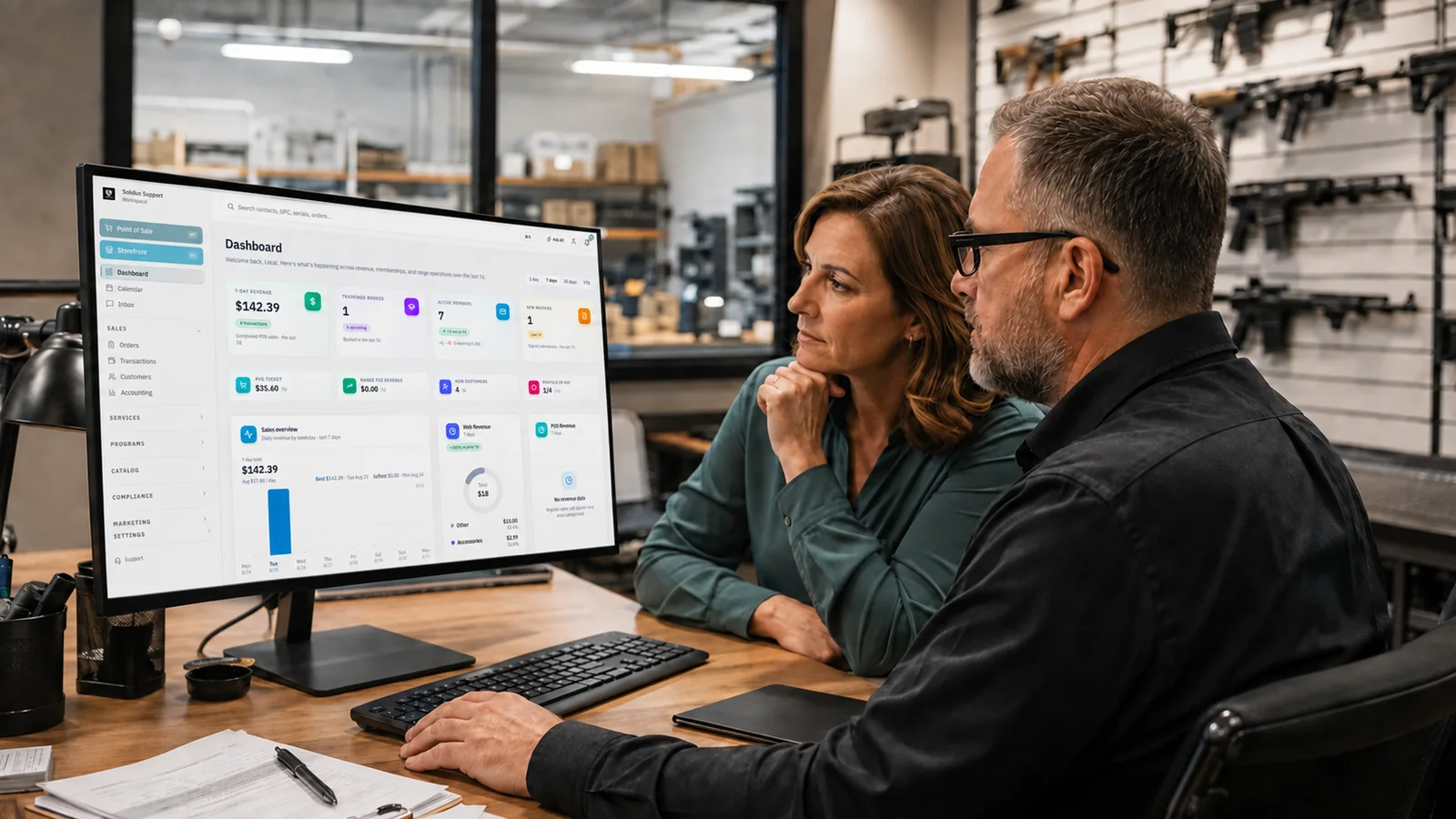
FFL software sits close to work that cannot be vague. A product page may promise easier compliance, but the licensee still needs to understand the records, the staff process, and the system's limits.
This guide is an operational starting point for evaluating electronic acquisition and disposition records and electronic Form 4473 workflows. It is not legal advice. Current ATF requirements, state and local rules, your license type, and the facts of a transaction control. Use official ATF material and qualified counsel for compliance decisions.
Read the governing material before the demo
ATF Ruling 2016-1 addresses electronic acquisition and disposition records. ATF Ruling 2016-2 addresses electronic Form 4473. ATF lists both rulings with downloadable source documents.
The rulings set conditions. Do not reduce them to a vendor badge or the phrase “ATF compliant.” Ask the vendor to explain how the product supports each applicable condition and where the licensee must configure, review, print, export, sign, or retain something.
Bring your responsible person or compliance lead into the evaluation. The person who works exceptions every week will ask better questions than someone comparing screenshots.
Follow one acquisition all the way through
Start with a purchase order or other acquisition in the demo environment. Receive a serialized firearm. Verify the manufacturer or importer, model, serial number, type, caliber or gauge, source, and date fields that apply. Correct a deliberate typo and inspect the audit trail.
Ask when the A&D record is created. Ask which values come from the catalog, purchase order, scan, or staff entry. Confirm how the system handles a firearm that does not match the expected shipment.
The point is to find the boundary between automation and human verification. A prefilled field can save time. It can also repeat bad source data more quickly if no one reviews it.
Solidus connects purchasing and receiving with electronic recordkeeping so staff can follow the item through normal work. See Solidus inventory and electronic bound book.
Test messy corrections too
Most demos use perfect data. Ask to see a correction. Who can make it? Does the original value remain visible? Is the reason captured? Can the record be silently replaced?
Create two similar serial numbers and search for both. Try a serial number with letters, leading zeros, and characters that are easy to misread. Search by partial value. Export the record and confirm that the field remains intact.
Ask how late entries and corrections are reported. Your team needs a written procedure that matches the software behavior. A feature cannot replace staff accountability.
Walk the Form 4473 queue
Electronic Form 4473 software should make the state of each transaction clear. Show customer intake, staff review, required federal or NICS steps, holds, state or local work, completion, and retention as applicable to your process.
Use a transaction that needs correction. Use another that pauses. Ask what the customer can change, what staff can change, when signatures are required, and how the system records each action.
Solidus represents the 4473 process as a document queue with stages for staff initiation, customer intake, staff review, federal or NICS work, holding, state or local steps, and completion. It also supports printable PDFs for completed and applicable retained transactions. Blank 4473 printing is available through the web and supported Epson setup, not through the Android POS.
Those details are worth discussing because “paperless” is rarely a complete operating plan. Printers, tablets, signatures, retained forms, and exception handling still matter.
Ask about access during an inspection
Know how records can be searched, viewed, printed, and exported. Ask what the system provides during an inspection and what the licensee controls.
Solidus includes a tokenized ATF Inspection Portal. In a demo, ask how access is created, limited, logged, and revoked. Confirm which records are available and how the licensee reviews the scope before sharing it.
Do not wait for an inspection to test retrieval. Schedule a periodic exercise. Pick several transactions, find the A&D entries and related forms, and export what your written procedure calls for. Time the work. Record any gap.
Understand storage, backup, and recovery
Electronic records move risk rather than removing it. Paper can be misplaced or damaged. Electronic systems can have access failures, synchronization problems, bad imports, or service outages.
Ask where data is stored, how it is backed up, how often backups are tested, and what happens if the vendor is unavailable. Ask for the export format and whether it can be opened without the application. Review account security, multifactor authentication, role permissions, and session controls.
Request a recovery demonstration. Restoring a sample is better evidence than a policy sentence. Ask how the system detects incomplete synchronization and how staff are notified.
The ATF FFL newsletter discussion of Ruling 2016-1 notes that electronic records may be kept on owned equipment or through a hosted facility when the ruling's conditions are met. Read the ruling itself for the complete conditions.
Keep permissions close to the job
Map system roles to actual responsibilities. Receiving staff may need to enter and verify acquisitions. Sales staff may need to initiate customer work. Compliance staff may review, correct, export, and reconcile. Owners may control configuration and inspection access.
Avoid a shared administrator account at the counter. Individual access supports a useful audit trail. Test lock, unlock, timeout, role change, and employee departure procedures.
Ask whether a permission change is logged. Ask what happens to open work when an employee loses access. Review how support personnel access the account and whether that access is visible.
Reconcile the system with physical inventory
Electronic records do not eliminate physical checks. Define how your team compares inventory, A&D records, open transactions, gunsmithing items, consignment items, NFA items, and other applicable categories.
Ask the vendor to show the discrepancy workflow. Can staff record a count without changing the underlying record? Can a manager review and resolve an exception? Does the report distinguish a timing issue from an unexplained difference?
The owner should be able to see unresolved items without hunting through exports. The system should support the procedure you have documented rather than inventing one after a problem occurs.
Separate customer marketing from compliance records
A connected customer record can reduce duplicate entry and support useful follow-up. It also requires discipline. Do not treat every field collected for a regulated transaction as marketing data.
Decide which events can support customer communication. A completed class, membership, booking, or general range visit may be more appropriate than details from a regulated form. Use the least information needed for the message. Limit staff access and retention according to applicable requirements and your policies.
Commercial email still needs proper sender information, honest subjects, a postal address, and an opt-out process. The FTC's CAN-SPAM guide is a practical federal reference. State privacy and marketing rules may add obligations.
Plan migration as a controlled project
Inventory the records and open work before migration. Identify paper, spreadsheets, legacy databases, attachments, scans, and exports. Decide what will be migrated, archived, or retained in its current form based on applicable requirements and counsel.
Run validation samples before cutover. Compare source and destination counts. Check serial numbers and dates. Record exceptions. Assign one person to approve the result.
Do not schedule cutover because the calendar looks quiet. Set entry cutoffs, backup steps, rollback criteria, staff coverage, and vendor contacts. Practice the first day in a test environment.
Leave the demo with written answers
Ask the vendor to document what was shown, product limitations, required hardware, data storage, exports, support contacts, migration ownership, and any capability that is planned rather than available.
Solidus is built to keep recordkeeping connected with receiving, sales, and range operations. It does not remove the licensee's responsibility. Book a demo and bring a real workflow, including the exceptions that worry your team.
Evaluation checklist
- Review ATF Rulings 2016-1 and 2016-2 from the official source
- Receive a serialized item and correct an error
- Walk a Form 4473 through clean and paused paths
- Inspect audit history, roles, and session controls
- Search, print, and export sample records
- Test inspection access and revocation
- Review backups and recovery evidence
- Show reconciliation and unresolved exceptions
- Define migration validation and rollback
- Get limitations and responsibilities in writing